
Design Guidelines
How to Comply with our Attribution Policy
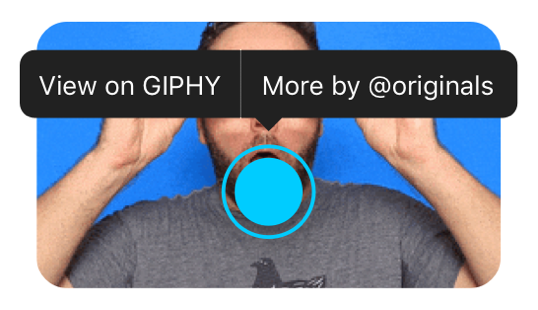
GIPHY loves its community and we want to support our GIF and Sticker creators. We believe that they should get recognition for the content they create. That’s why we’ve included a tap and hold UI that shows the creator’s username and enables users to easily search for more content by that creator.
The optional confirmation view mentioned above also includes the creator’s username, if one exists.
Sketch UI Kit
Ready to design your GIPHY experience? Download our Sketch UI Kit to drag and drop elements into your app and experiment with layouts, fonts, colors, and content that work best for you.
Download Sketch UI KitBrand Guidelines
While we have included a branded button for SDK users, you may need our logo for other purposes. Check out the links below to download GIPHY-approved logos and icons, along with our brand guidelines.
For general best practices related to the GIPHY brand, see our Brand Guidelines and be sure to check out our SDK License Agreement. By using GIPHY SDK, you are agreeing to the SDK License Agreement.