Customization
Customizing your GIPHY mobile SDK integration
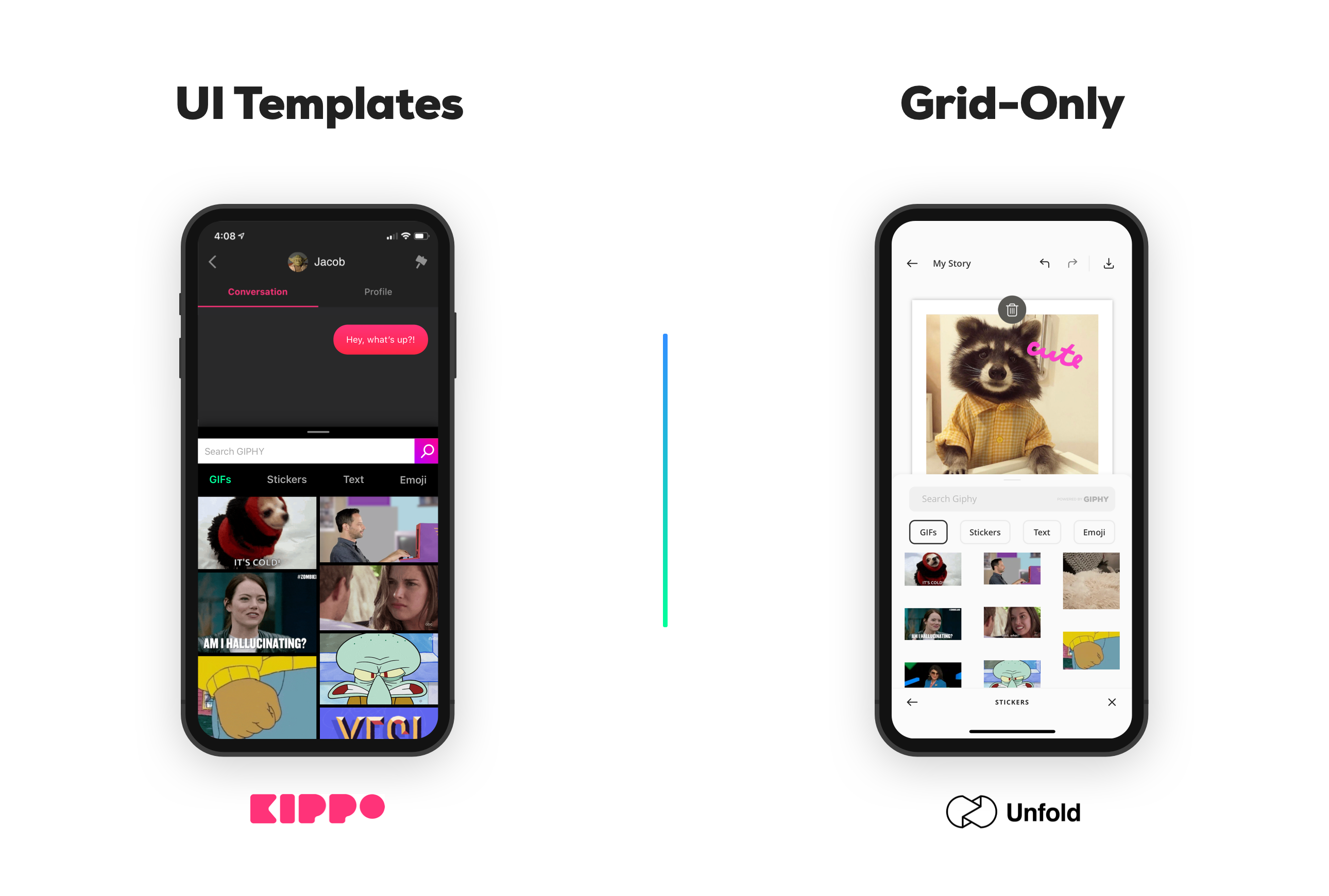
As slick and finely-tuned as the templates are, we know many developers want to have more control over the look and feel of the GIPHY search experience in their app. We made some adjustments to the mobile SDK to give teams the flexibility to fit GIPHY seamlessly into their app, while still making integration a lot easier than starting from scratch.
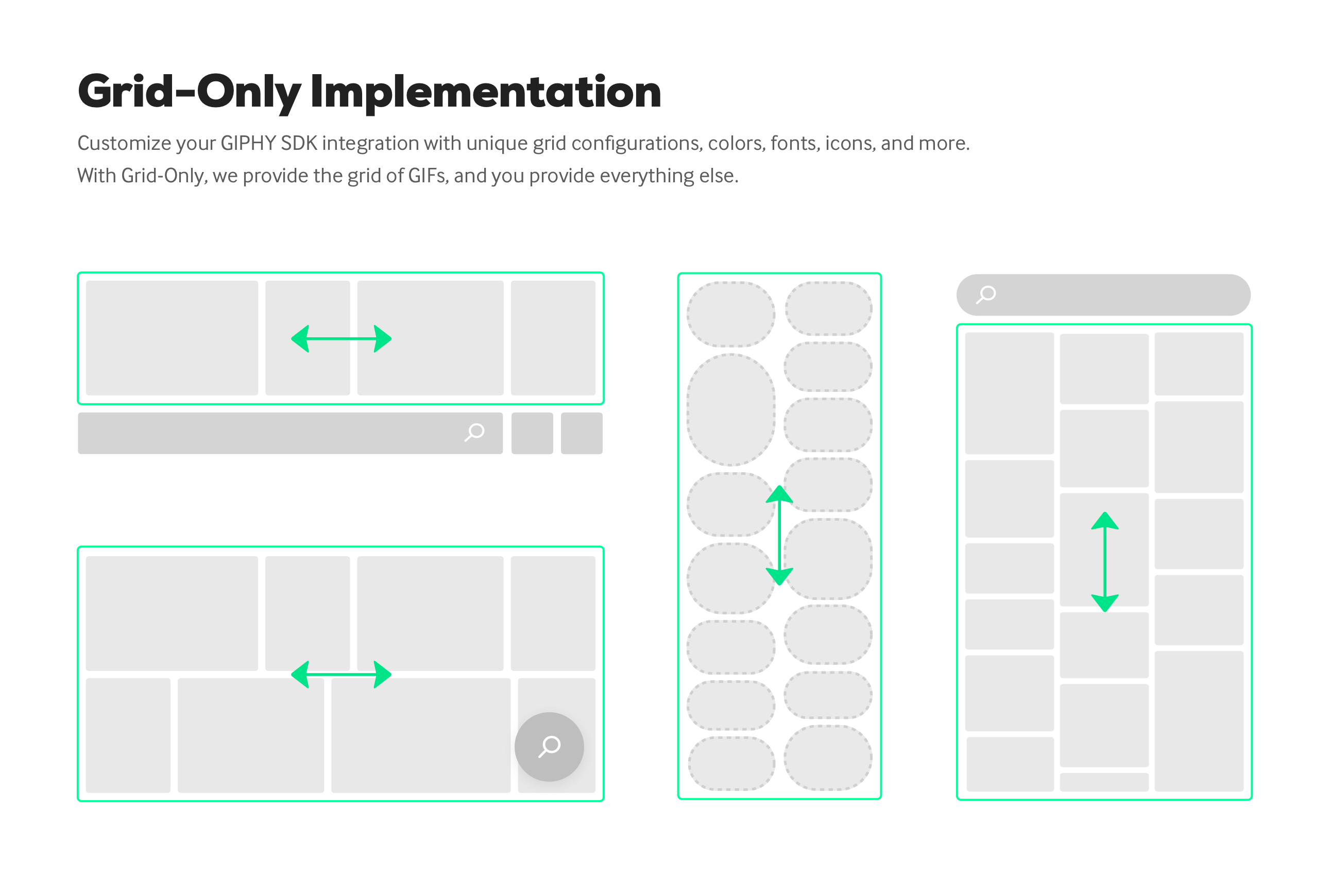
With the latest release, you can leverage the grid component of the GIPHY SDK, which makes it easy to populate a grid of gifs and stickers with search results or trending feeds. The component takes care of requesting content from the GIPHY API, loading, caching, and rendering images in a customizable grid, and leaves the rest of the experience up to you.
We affectionately refer to this component as "Grid-Only". Thus, to enable the GIPHY experience, the rest of the UI (text fields, buttons, etc.) is provided and wired up by you.
Choosing the right solution for your app
We offer two solutions for the SDK user interface: pre-built templates which handle the entirety of the GIPHY experience, and a Grid-Only implementation which allows for endless customization. See the section below to figure out which solution is best for your app.
Templates
The templates take care of all things GIPHY, including obtaining user input and displaying search results. Your app just presents the GIPHY view (
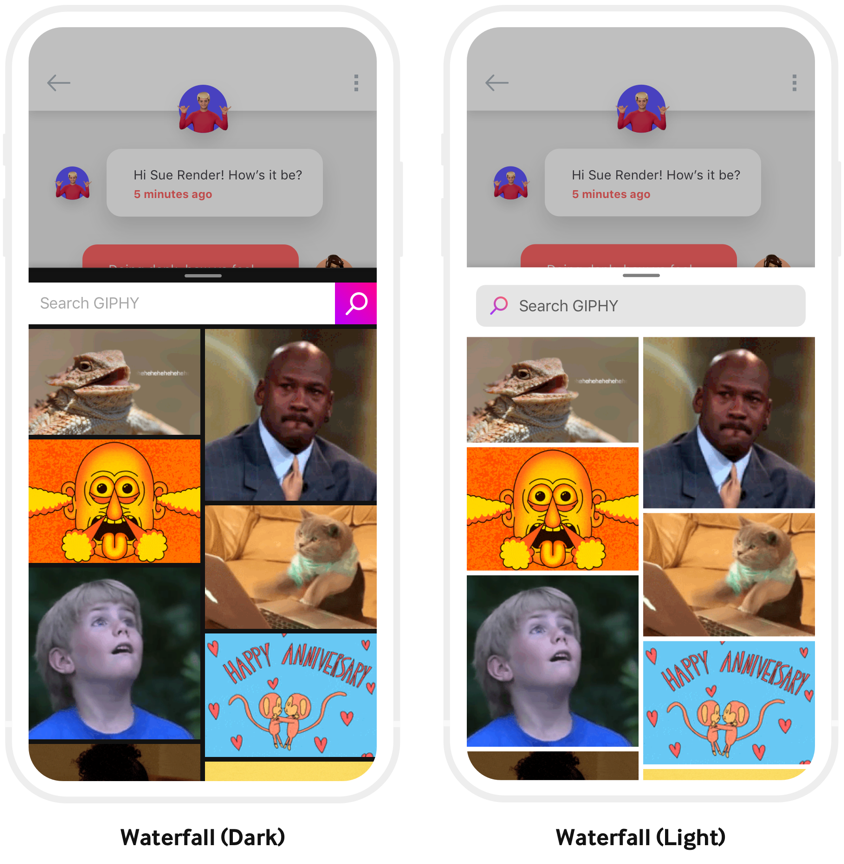
GiphyViewControllerin the case of iOS, orGiphyDialogFragmentin the case of Android) and we take care of the rest. The experiences provided by the templates are battle-tested and informed by our years of experience serving GIFs on mobile.The templates come in "waterfall" layout and can be customized to use light and dark color schemes. Give the example app a spin to see the different customization options in action.
Grid-Only
We recommend going with grid-based only if the templates aren't flexible enough for your app's UI. While you have more control over the design, it's a bit less plug-and-play.
Opting for the grid-based solution requires that you provide your own search field to obtain text input from the user, provide controls to allow users to select media types (if applicable for your experience), and update the grid's content in response to user interaction or searches.